Bring the recording back.
Vinyl clicks, tape hiss and mains hum, measured before anything is touched and repaired in batches on your Mac.
$17.99 once · no subscription · no in-app purchases
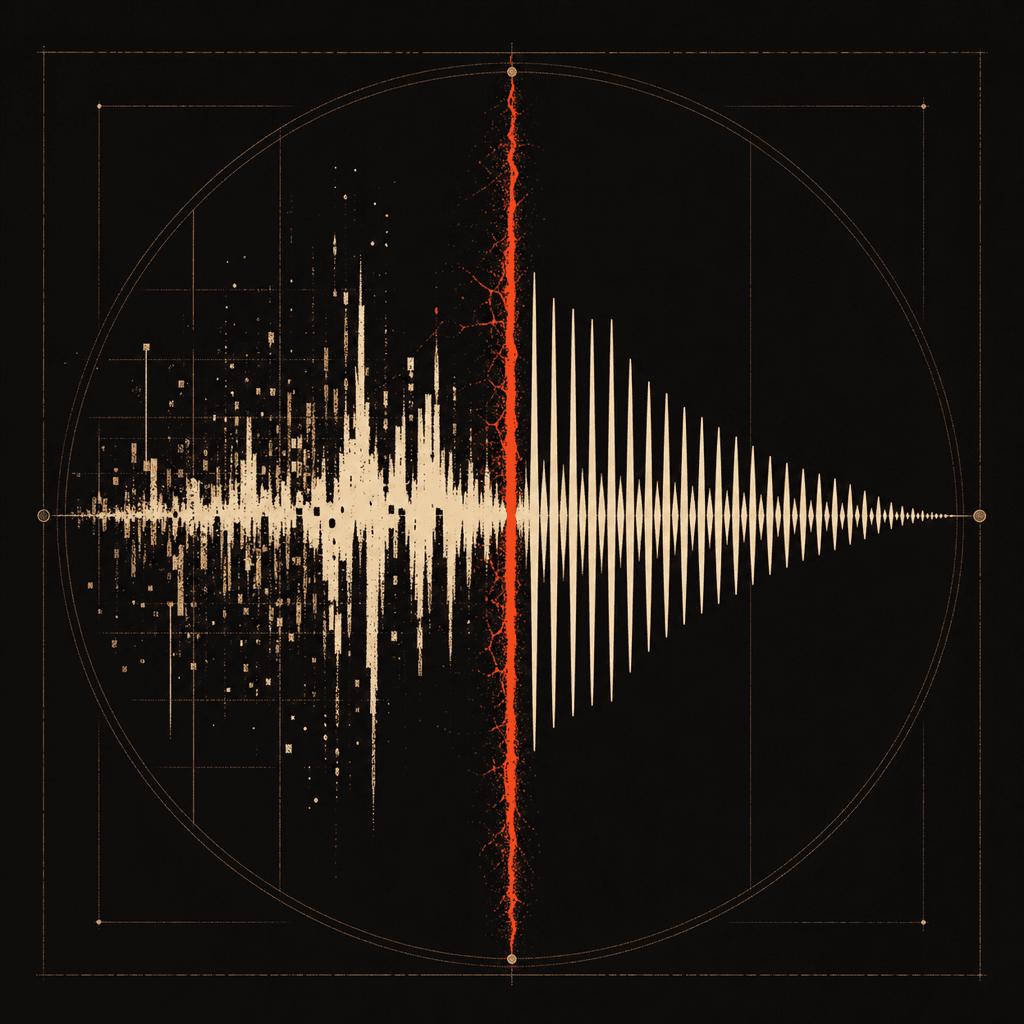
Six stages. Every one bypassable.
measure · suggest · restoreDe-clip
Rebuilds short overloaded peaks and flags any clipped run too long to repair safely.
De-click
Finds clicks and needle crackle as short impulses and bridges each one; anything longer than your repair limit is left alone.
De-hum
Detects 50 or 60 Hz mains hum, or takes your pick, and notches up to twelve harmonics.
De-hiss
A streaming spectral denoiser tracks the steady noise floor on its own. Choose gentle, standard or strong reduction.
Filter
High-pass and low-pass trims for bandwidth that holds nothing but rumble or fizz.
Normalize
Sets a plain RMS target across the whole file, not LUFS, under a true-peak ceiling you set.
One recipe. A whole queue.
multi-file · non-destructiveMeasure first
Add WAV, AIFF or FLAC files, load the bundled demo recording, or open a .ohmsproject package from Finder or the File menu. Analysis lists every defect region with a label and a confidence, next to RMS level, true peak and noise floor.
Review, then run
Review Suggestions proposes a chain with the evidence behind each stage. Apply it or build your own, then let one chain work through the queue. Pause after the current file or cancel a single job without losing finished exports.
Verify, then press B
Each copy is reopened and checked against the source's format, sample rate, channels, length and bit depth before it is kept. Then press B to flip between original and restored at matched loudness, without stopping playback.
The privacy claim is an architecture.
bundled · no networking codeNative signal processing. No model download. No helper server. No audio upload path.
- No networking code; its one network entitlement exists only so WebKit can show the bundled interface
- No account, analytics, telemetry, or crash-reporting SDK
- Sandboxed access only to recordings, projects and folders you choose
- Originals are opened read-only; restored copies are written as new files
- Optional local JSON ledger records the recipe, measurements and verified results
Restoration, not time travel.
measured · reversibleResults depend on the source and your settings. A long clipped passage may be detected and deliberately left alone, and metadata chunks the app does not understand are reported as not copied rather than silently dropped. The app never claims to reconstruct what the recording did not capture. The interface is in English.
More on-device tools for music & audio.
7 related apps- View on the App Storestems · $9.99Ohm Split
Vocal remover and offline stems.
- View on the App Storemusic · $8.99Ohms Rehearse
The practice room that never listens back. Loop the bar you keep missing, start it slow, and climb to full speed on your Mac or iPad.
- Download on the Mac App Storevocal · $7.99Ohms Tune
Real-time vocal pitch correction and diatonic harmony.
- View on the App Storegrid · $19.99OhmsGrid
A clip launcher for 8×8 pad grids on Mac and iPad.
- View on the App Storemusic · $19.99Ohm Studio
Local AI music that stays local.
- View on the App Storesampler · $29.99Ohms Sample
Cut any loop at its hits. Play every slice like a kit.
- Download on the Mac App Storemusic · $19.99Ohms Proof
Know where every sample came from.