Silo Craft Studio
Turn one reference photo into a measured 3D mesh on your Mac; inspect it, size it, and hand off 3MF or STL locally. One purchase. No cloud.
Every Silo Systems app is 100% on-device: the AI runs on your Apple Silicon chip, nothing is uploaded, there is no account, and each is a one-time purchase — never a subscription. Browse the catalogue below.
Turn one reference photo into a measured 3D mesh on your Mac; inspect it, size it, and hand off 3MF or STL locally. One purchase. No cloud.
Generate local AI music on Mac and iPad; train adapters and separate stems on Mac — no cloud, account, telemetry, or subscription.
Launch clips and scenes, mix columns, use supported controllers, and generate clips locally in an 8×8 groovebox for Mac and iPad.
Scroll, zoom, cut, reverse, stretch, and weave any sound across a colorful Orbit on Mac and iPad, with direct pads, MIDI, Launchpad, AUv3, and capture that never replaces a sample without your choice.
Split any song into clean vocal, drum, bass, and instrumental stems on your Mac — offline, no upload.
Sing into your Mac and hear real-time pitch correction and AI harmony land instantly — 100% on-device, one-time purchase.
Repair clicks, crackle, hum, hiss, short clipped peaks, bandwidth, and level across a multi-file queue — entirely on your Mac.
Record, transcribe, and summarize meetings on-device — private AI meeting notes with no bot and no cloud.
Record, transcribe, and summarize meetings on Mac — no bot joins, every action item cites the transcript, and nothing leaves your device.
On-device clinical documentation with clinician-authored SOAP, DAP, BIRP, and intake notes — nothing leaves your Mac.
On-device PDF redaction with human review, real burn-in, and local output verification — no document upload or account.
Read any document, EPUB, or article aloud in a natural neural voice, watch local folders to run batch OCR scan pipelines with automatic file naming, extract and edit data tables, and export full audio files to MP3s with custom ID3 tags.
A private, fully on-device podcast studio — multi-mic recording, transcription, and show notes on your Mac.
On-device file classification and organization for macOS — review chosen folders against your own categories with no cloud or account.
Generate and instruction-edit images with one pinned FLUX.2 Klein 4B model on Apple MLX, with no cloud, account, or telemetry.
Find and clear duplicate, near-duplicate, blurry, and screenshot photos 100% on-device on iPhone, iPad, and Mac — swipe to review, nothing deleted without your confirmation, one-time purchase.
Trim, crop, tune, and export animated GIFs locally on iPhone, iPad, and Mac — no account, cloud, analytics, or subscription. One purchase.
Route work between local models, review workspace tools before execution, inspect routing receipts and model residency, and control searchable local memory on your Mac.
Ask your documents and get cited answers — a 100% on-device AI knowledge vault with a private screen-recall timeline, no cloud, no account, one-time purchase.
Import and summarize agreements, extract key terms, flag clauses, compare drafts, apply your playbook, and export reports entirely on your Mac.
Check selected public broker pages and prepare supported opt-out requests — local-first, no account.
Tailor cited resumes entirely on-device on iPhone, with honest fit screening, exact provenance, and no account or cloud.
Control terminals and AI coding agents on your Mac from iPhone or iPad over a private peer-to-peer link — no servers, no account, no subscription.
Offline Bible study for iPhone and Mac with Strong's word study, private notes, read-aloud, and supported on-device chat.
Slow, transpose, analyze, and loop imported songs at 25%–150% entirely on your Mac, with no microphone, upload, or account.
Move spectrum-colored grain clouds across visible deterministic terrain on Mac or iPad, switch between Light and Dark, and capture locally without replacing the loaded sample until you choose.
Complete vendor security questionnaires from your company-controlled evidence library on macOS — with visible passage citations, explicit abstention, and private CloudKit sync.
Bind the exact sample to its source, receipt, license material, and project use, then export a portable evidence packet locally.
Choose and name one of six original voice companions; supported Apple Intelligence devices generate every reply on-device with no account, cloud transcript, or canned fallback.
Auto-caption, style, translate, and burn subtitles into videos with on-device Whisper. No subscription. No watermark. No cloud.
VisionKit document capture, on-device OCR, and Gemma 4 AI auto-naming into a private encrypted searchable archive.
Cut out subjects instantly or erase unwanted objects with on-device FLUX inpainting. No subscriptions, no cloud upload, no watermarks.
Analyze your entire music collection for Camelot key, BPM, energy, and cue points, writing ID3 tags directly for Rekordbox and Serato.
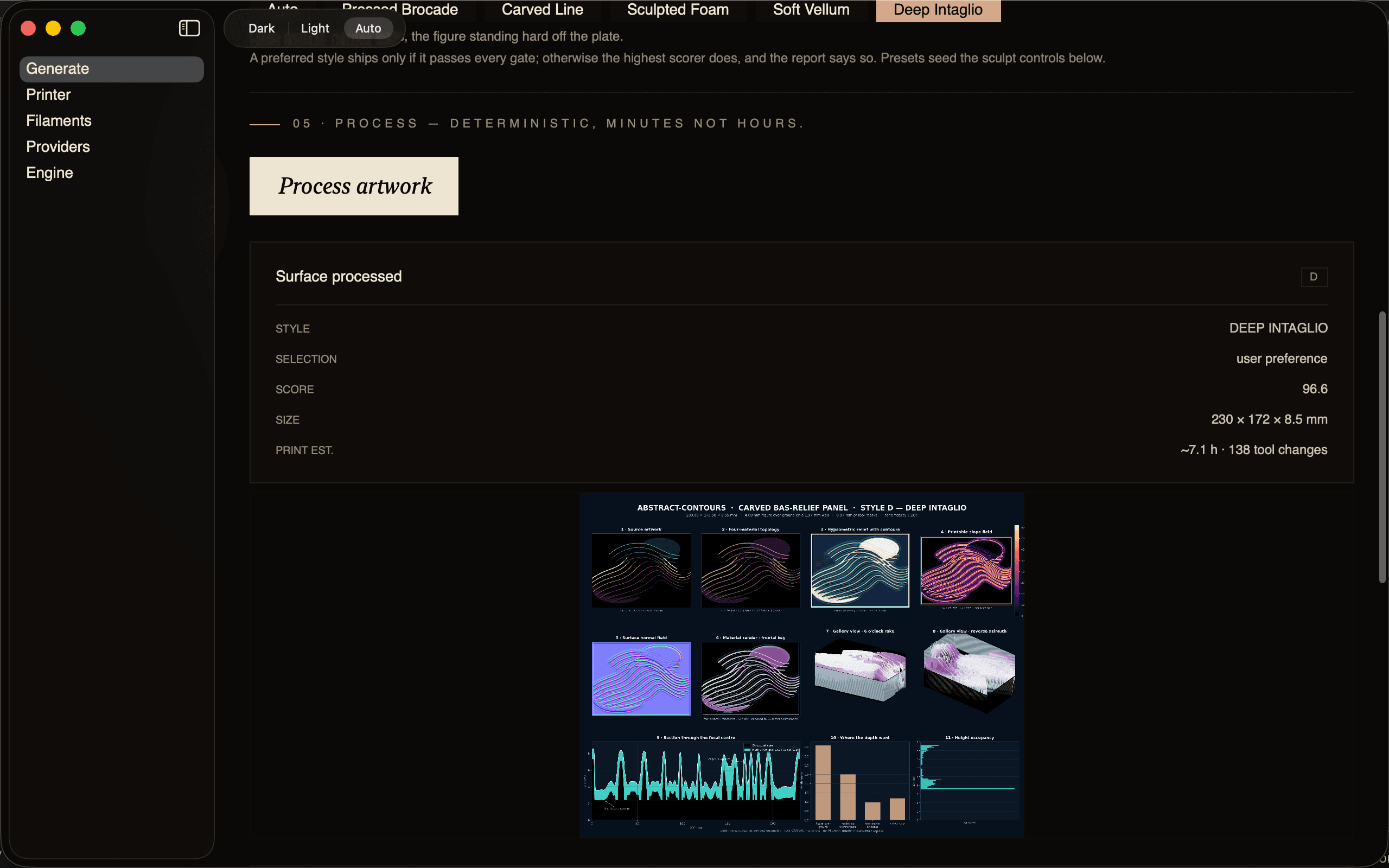
Turns a 2D image into a multi-material 3D-printable topographic relief sized to your exact printer, with every model checked against 33 geometry gates before it is handed to you.
Separates a real mix into four stems on-device, transcribes each part, and exports multitrack MIDI and a chord chart — no cloud, no account, no subscription.
Transcribe lectures with on-device Whisper, generate structured summaries and flashcards using Gemma 4, with line-level transcript grounding and Anki export.
Drag a box over your screen, take a camera photo, or drop in an image, ask a question, and read an answer computed on your Mac with Apple Vision — plus Apple Intelligence on macOS 26+.
Copy any text, press Option-W, and review a word-level diff of on-device grammar and clarity fixes — then paste the clean version. Tone rewrites via Apple Intelligence or your own key.
Record on Mac or iPhone; Apple Speech transcribes on-device; optional LLM polish uses only the API key you paste — verbatim stays local, and Silo never sees the audio or the text.
Open Apple String Catalogs or JSON, translate through the provider whose API key you entered (or local Ollama), and refuse writes that drop format tokens — no Ohm translation server.
Capture with ScreenCaptureKit or import an image; the pixels go only to the vision provider you configured, or to Ollama on this Mac. Silo never sees the screenshot.
Every app in this catalogue keeps your work on your Mac. No cloud LLM, no telemetry, no analytics — the privacy manifest declares no tracking, and the architecture keeps it that way.